
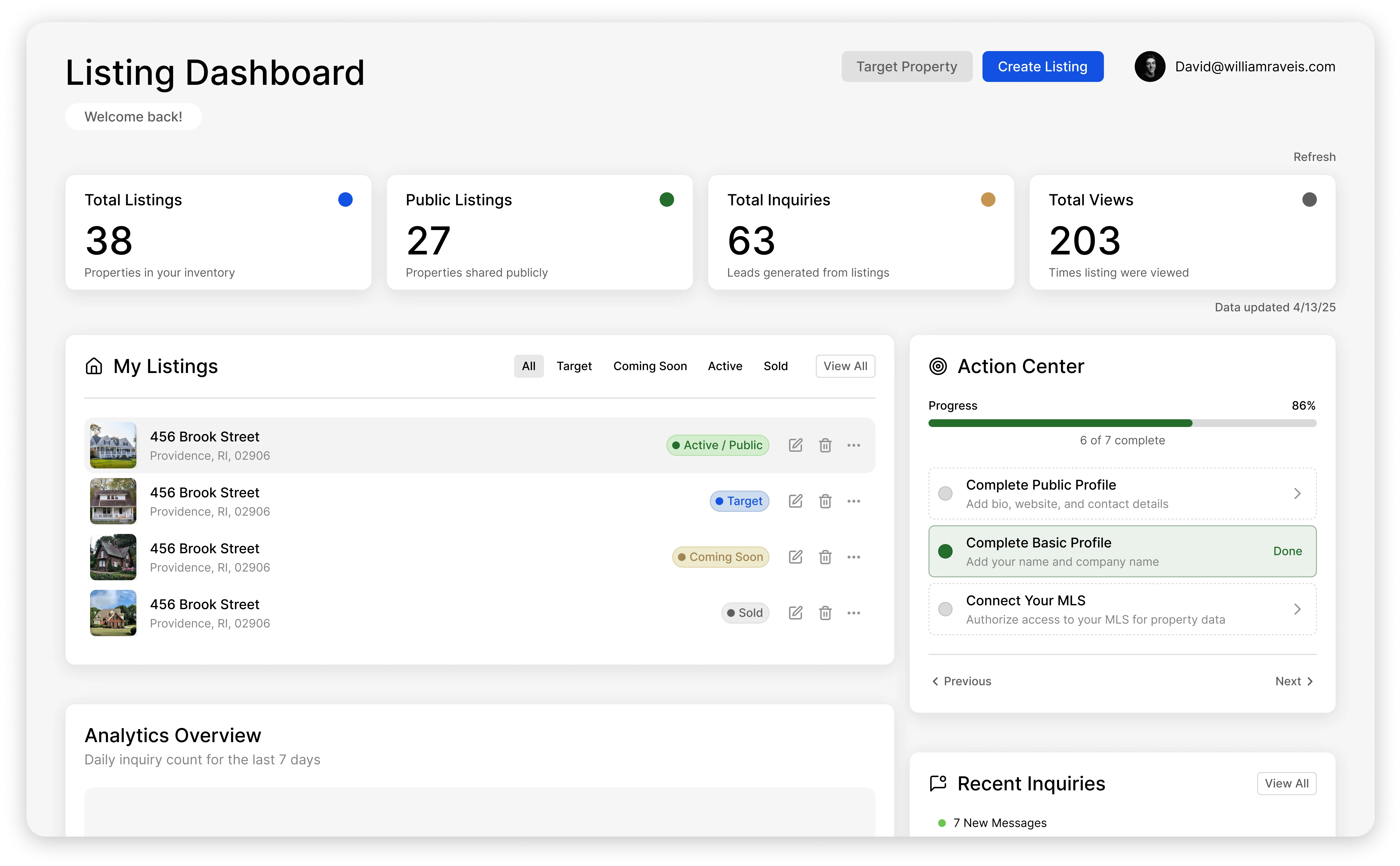
CRM stands for customer relationship management. In real estate, a CRM is the software that keeps every client, lead, conversation, and follow-up in one place — so when a past buyer texts you two years later, you know exactly who they are, what they bought, and what you last talked about.
That is the whole idea. Everything else — automation, lead scoring, drip campaigns — is built on top of that one promise: nothing about a relationship lives only in your head.
What Does a CRM Do in Real Estate?
Four jobs, in order of how much they matter:
1. It remembers everyone
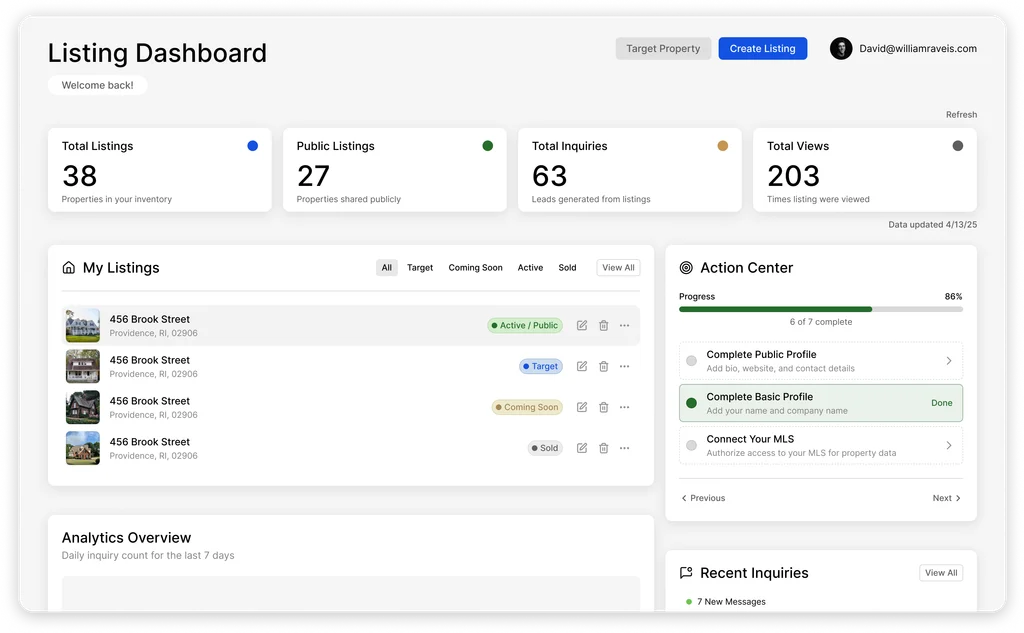
Every contact gets one record: phone, email, the home they bought or sold, their kids' names if you noted them, and — critically — a timeline of every touchpoint. Emails, calls, texts, showing feedback, documents. When the record is complete, any conversation can pick up where the last one ended.
2. It runs your follow-up
This is the job that pays for the software. The average lead takes months to turn into a transaction, and most agents stop following up after two attempts. A CRM runs follow-up as a system: automated sequences for new leads, keep-in-touch reminders for past clients, and task lists so the day's calls are chosen for you. The agent who follows up eight times does not have more discipline than you — they have a CRM that made attempt number eight automatic.
3. It tells you who to call next
Lead scoring ranks your database by likelihood to transact — who is opening your emails, who just started clicking listings again, which past client has been in their home nine years. Instead of calling down an alphabetical list, you call the ten people most likely to say yes this month.
4. It segments your database
Lists like "sellers in 02906 I haven't touched in 90 days" or "past buyers hitting their 3-year anniversary" become one-click audiences for a campaign, a mailer, or a call block — instead of an afternoon of spreadsheet filtering.
Real Estate CRM Features That Actually Matter
- Unified contact timeline — email, calls, texts, notes, and documents on one record. If activity lives in five tabs, it is a rolodex, not a CRM.
- Automated sequences — multi-step follow-up (email today, text in three days, call task next week) that fires without you remembering.
- Lead scoring — buyer and seller likelihood, so the day starts with the right ten calls.
- Smart lists / segmentation — saved, self-updating audiences built on any field.
- Email and calendar integration — Gmail or Outlook sync, so logging happens automatically.
- MLS and data integration — listings, comps, and market activity attached to the contacts they concern.
- Mobile app — the CRM you can update from the car is the one that stays accurate.
Features that sound important but rarely decide the outcome: website builders, dialers, and social-media schedulers. Good versions exist, but none of them save a database with broken follow-up.
What Does a Real Estate CRM Cost?
Broad ranges as of 2026: free tiers and free-for-members options exist (see our guide to the best free real estate CRMs); solo-agent plans generally run $25 to $60 per month; team platforms with lead routing and accountability tools run $100 to $500+ per month, and the priciest platforms bundle paid lead generation rather than better CRM features. RealAnalytica starts free with Agent Lite; the full platform is $40/user/mo (billed annually) with the CRM, CMA, analytics, and Atlas AI agents on one login.
Do You Actually Need One?
A working test: if you have more than about 50 contacts, or leads coming from more than one source, or you have ever remembered a follow-up three days too late — yes. Under that, a disciplined spreadsheet can limp along; past it, the leads you paid to generate leak out of the follow-up gaps. That leak is invisible, which is exactly why it is expensive — and it is the main reason most CRM setups fail: the tool gets bought, the follow-up system never gets built.
How to Choose (Without Overthinking It)
- Match it to your business shape. Solo agent nurturing a sphere, team leader routing paid leads, and brokerage standardizing 40 agents are three different products. Our rankings: free CRMs, CRMs for teams, and CRMs for independent brokerages.
- Check the two integrations you live in — your email and your MLS. Everything else can be worked around.
- Set up follow-up sequences in week one. The CRM only pays for itself once follow-up is automatic. If you only migrate contacts and stop, you bought an expensive address book.
- Commit for 90 days. Switching costs are real; give one system a real trial before judging it.
Where CRMs Are Heading: AI That Works the Database
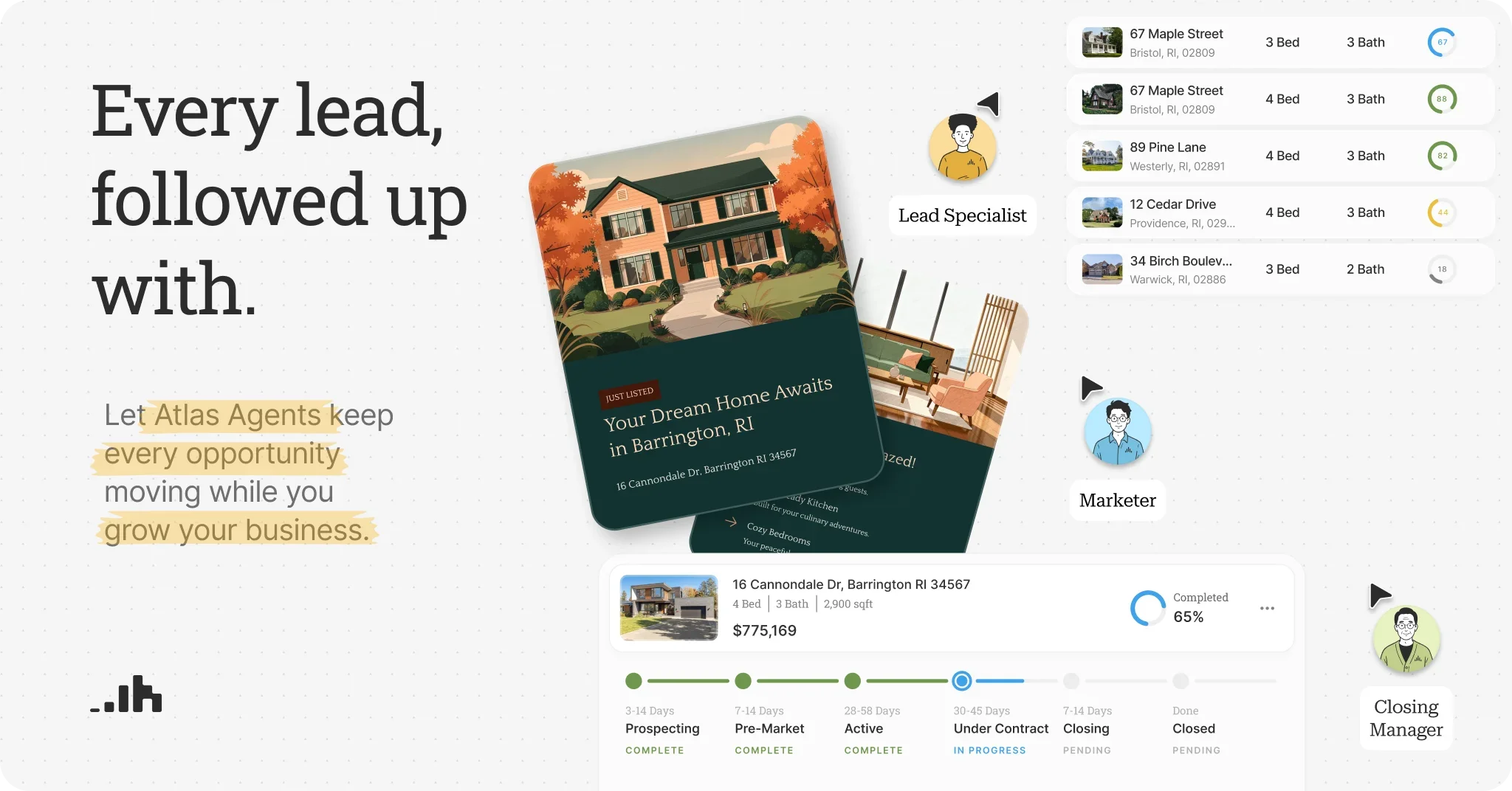
The newest shift is CRMs that do the work, not just store it. RealAnalytica's Atlas agents are an example: Ivy, the Lead Specialist, prospects your territory weekly and drafts outreach; Scout, the Client Manager, finds contacts going cold and drafts re-engagement — each message routed through your approval before it sends. The CRM stops being a filing cabinet you maintain and starts being a teammate that hands you a ready-to-approve call sheet. For how that changes lead follow-up specifically, see our lead generation guide.
The Bottom Line
A CRM in real estate is the system that makes follow-up — the highest-leverage, least-glamorous work in the business — automatic. Pick one that matches your business shape, wire it to your email and MLS, build the sequences in week one, and open it every morning. The agents who out-earn their market are rarely better salespeople; they are better rememberers, and they outsourced the remembering.
Try RealAnalytica — a real estate CRM with CMAs, predictive seller leads, and an AI workforce built in.
Frequently Asked Questions
What does CRM stand for in real estate?
Customer relationship management. In practice it means the software system where an agent keeps every contact, conversation, and follow-up — one record per person, with a timeline of every email, call, text, and note, plus automation that keeps the follow-up going without the agent remembering each step.
What is the best CRM for real estate agents?
It depends on your business shape more than on any ranking. A solo agent nurturing a sphere, a team routing paid leads, and a brokerage standardizing dozens of agents need different systems. See our guides to the best free real estate CRMs, the best CRMs for teams, and the best CRMs for independent brokerages for rankings by situation — and weight your email and MLS integrations heaviest, because those are the two tools you live in.
Is there a free CRM for real estate agents?
Yes — several general-purpose CRMs have free tiers that work for real estate, and some MLS memberships include basic contact tools. Free tiers usually cap contacts, users, or automation, which is fine for a new agent building a first database. Our best free real estate CRM guide ranks the current options and flags where each free tier runs out.
What features matter most in a real estate CRM?
Five carry most of the value: a unified contact timeline (all activity on one record), automated follow-up sequences, lead scoring, smart lists for segmentation, and native integration with your email and MLS. Website builders, dialers, and social schedulers are extras — useful, but none of them fix a database with broken follow-up.
How is a real estate CRM different from a regular CRM?
The bones are the same — contacts, timelines, automation. Real-estate-specific CRMs add the industry layer: MLS and listing data on the contact record, buyer and seller lead scoring, transaction milestones, and integrations with real estate lead sources and portals. A general CRM can be bent into shape, but you rebuild by hand what the industry tools ship with.